
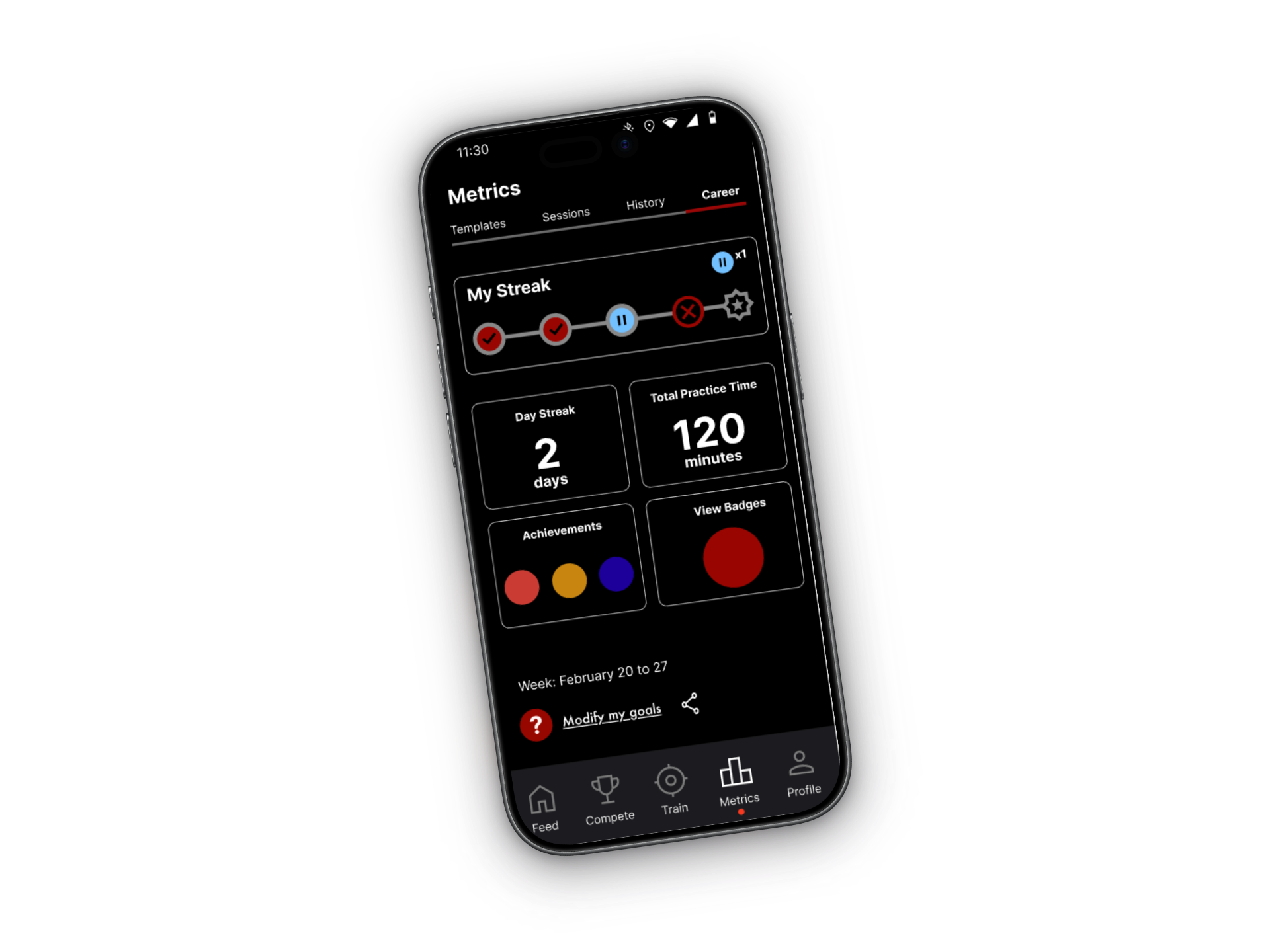
One experience across hardware and software
Strikeman connects a physical target and laser cartridge with a mobile app for dry-fire practice without live ammunition.
A compatible laser cartridge inside the firearm produces a laser signal during practice. The phone’s camera detects hits on the target, and the app turns them into session feedback and progress over time. Users follow the manufacturer’s safety and setup guidance before training.
- Laser cartridge
- Provides the signal during dry-fire practice.
- Physical target
- Connects the practice setup to the camera view.
- Mobile app
- Records hits and helps users review their progress.
Build on engineering progress with dedicated UX leadership
The original app predates the company’s acquisition. Since then, the in-house development team has continued releasing updates and improving the product. Dedicated UX leadership had been a gap in that effort.
As Product Design Lead, I’m bringing a cohesive design direction and real user evidence into the next phase of the app.
My focus is to connect interface decisions, a reusable design foundation, and usability research so the team can prioritize improvements around how people actually use the product.
Create a shared foundation for upcoming releases
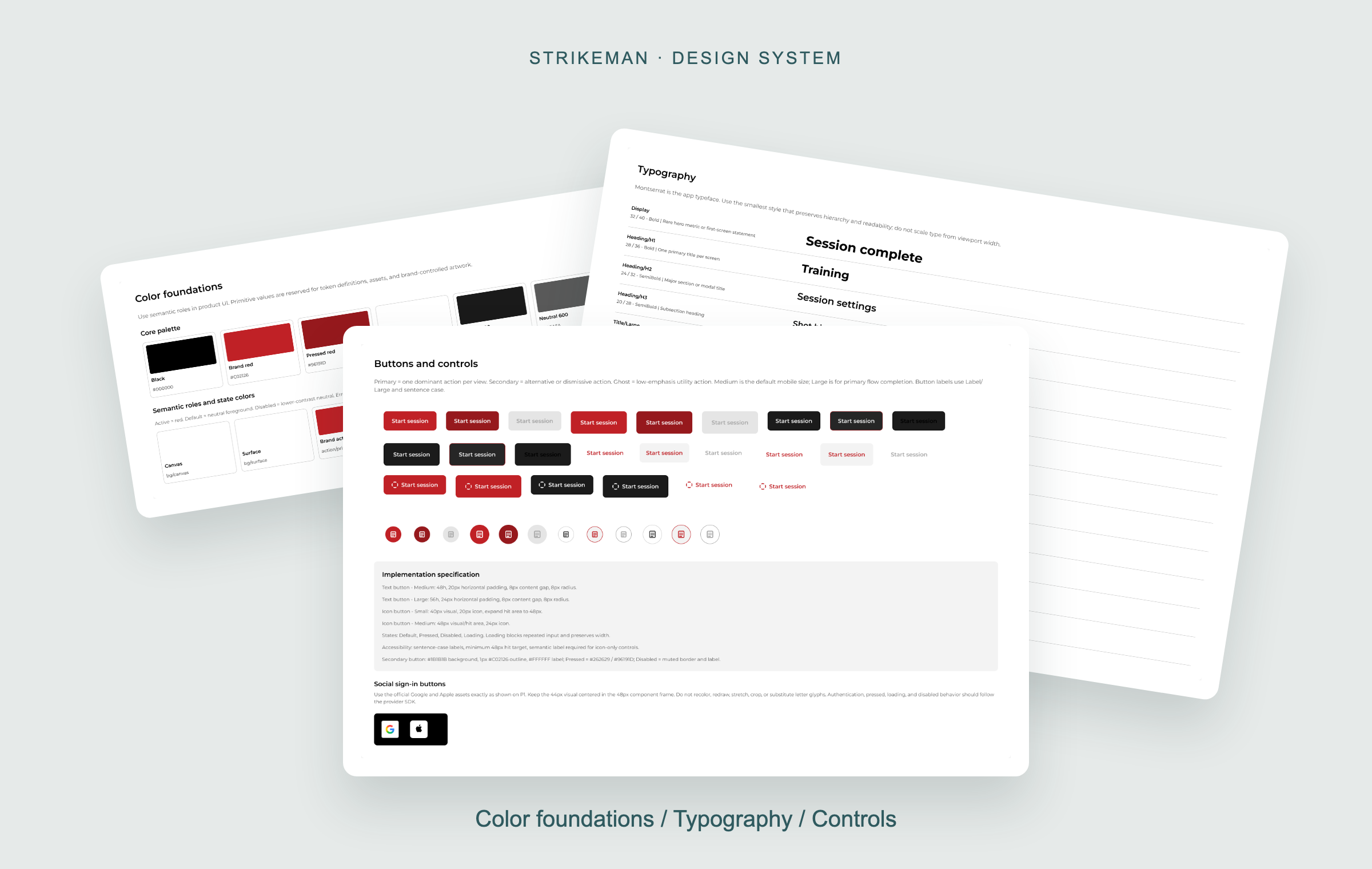
I began by delivering high-fidelity wireframes alongside a design system I built with assistance from Codex. I led the design direction; Codex supported the system-building work.
- Delivered
- High-fidelity wireframes defining the proposed experience.
- Implemented
- The development team has implemented the design system.
- Upcoming
- My screen designs are planned for future app updates.
Why this foundation matters: a shared system gives design and development a consistent basis for implementing and iterating on the experience.
Map the experience across app generations
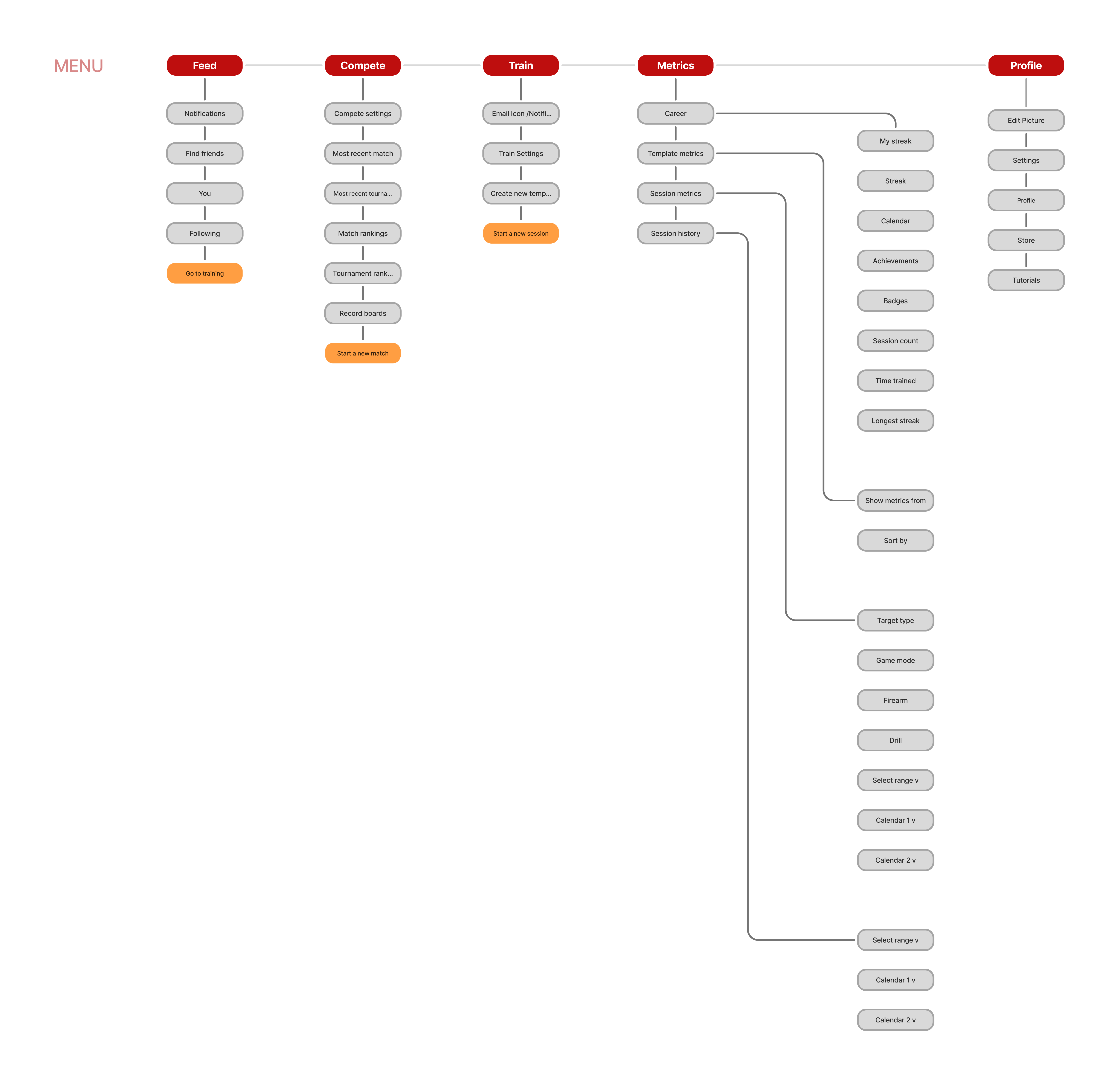
I created an information architecture map of the previous Unity app and a new map for the Flutter app, making the navigation structure and feature groupings explicit alongside the interface designs.
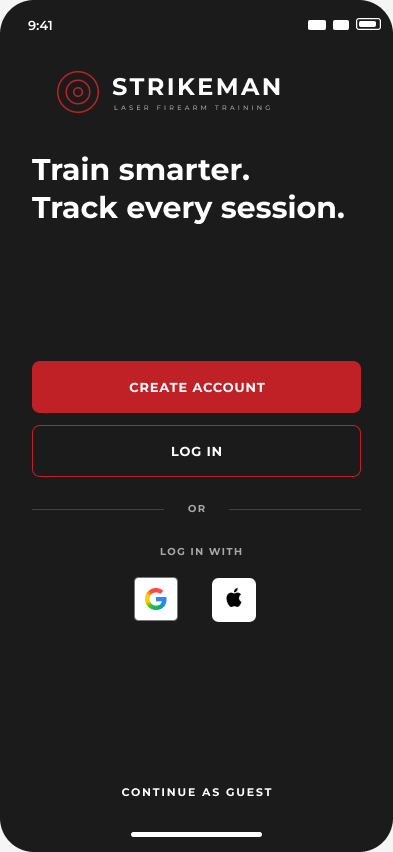
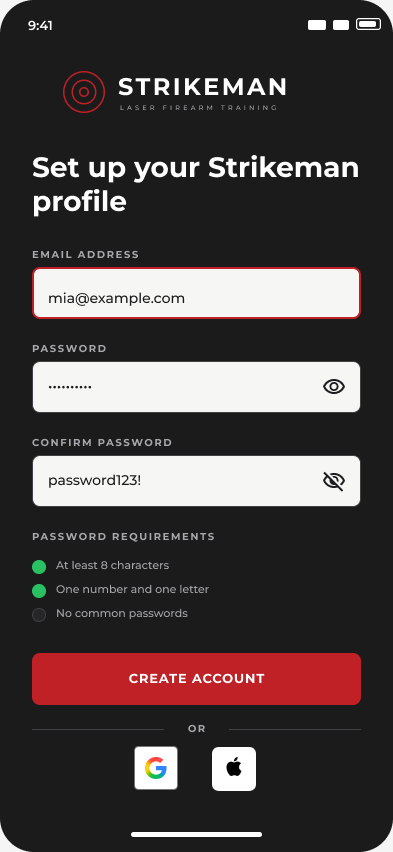
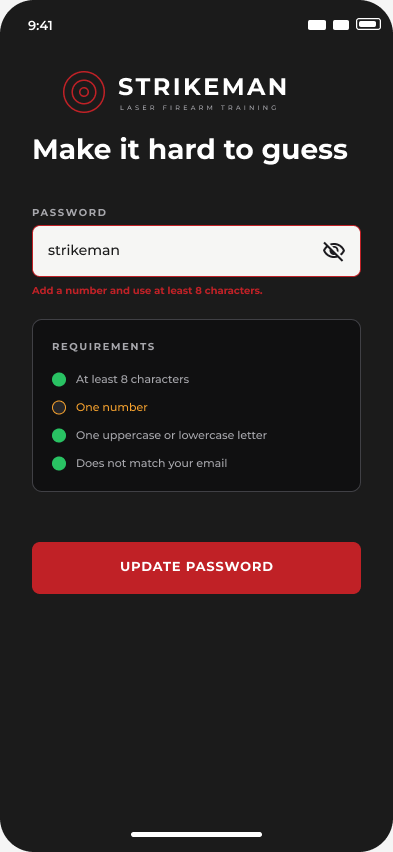
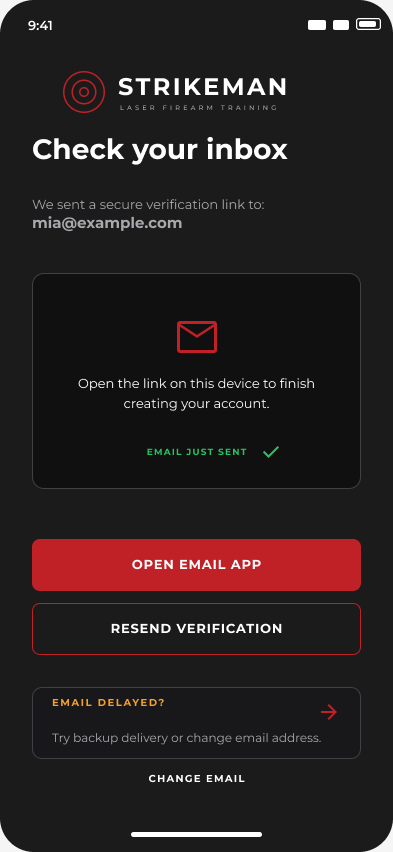
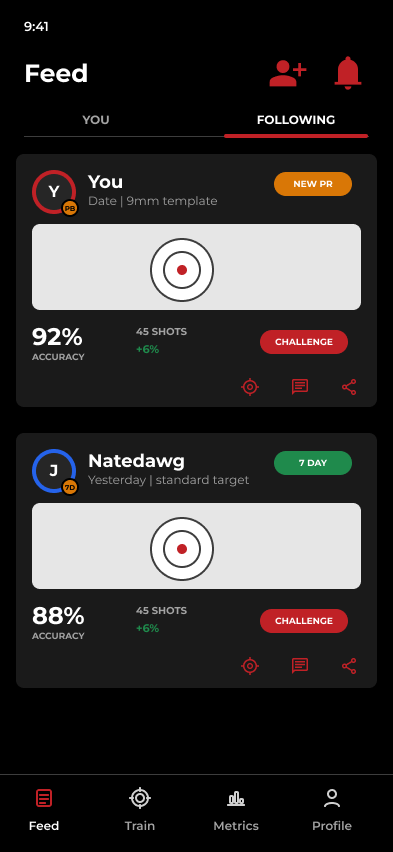
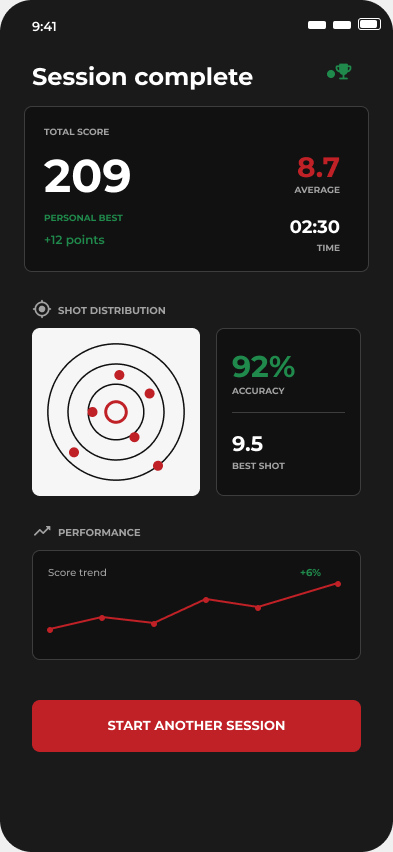
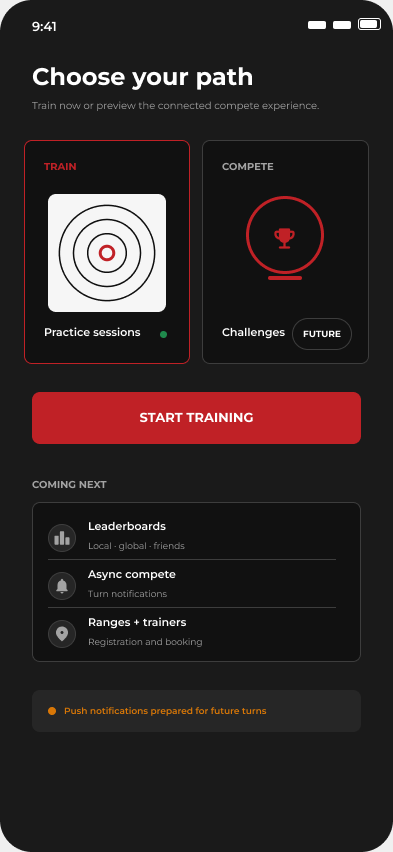
Selected high-fidelity wireframes · Work in progress, ahead of usability validation.
Authentication
Entry, account creation, password guidance, and verification.
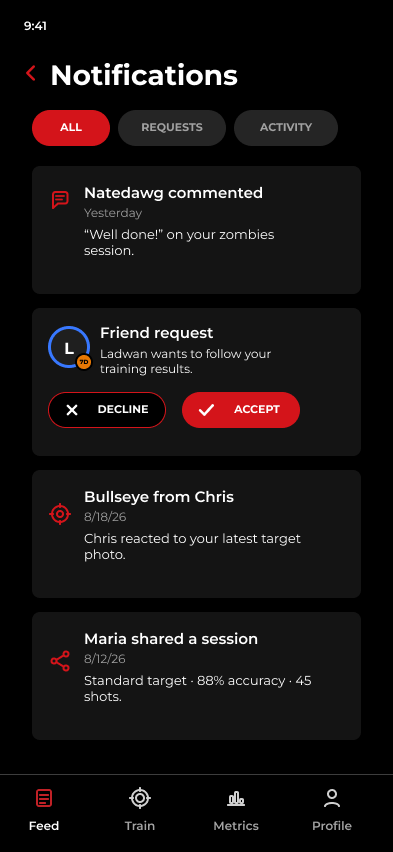
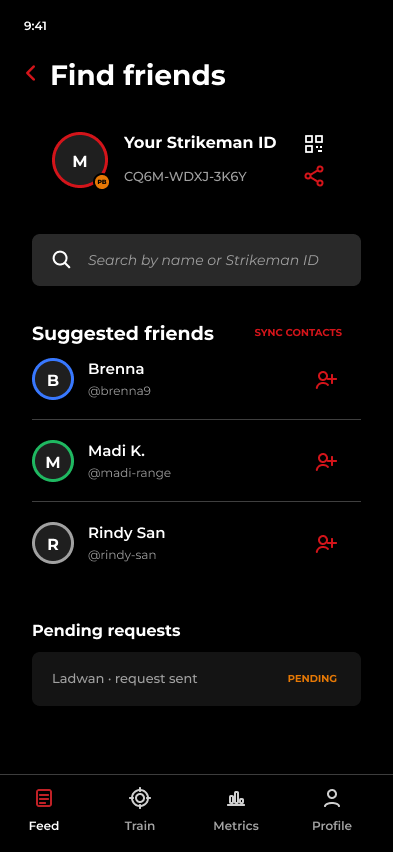
Feed
The following feed, notifications, and finding friends.
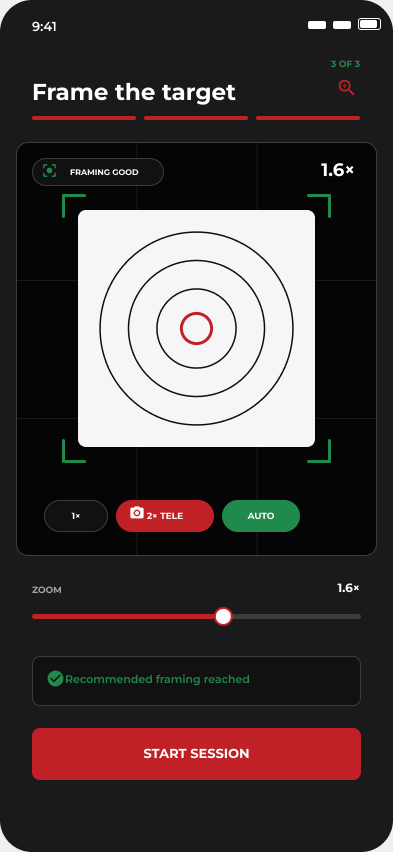
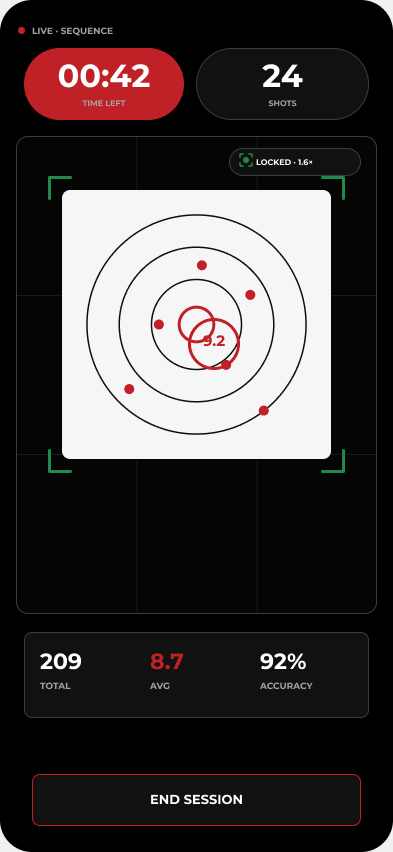
Calibration & training
Lens control, live session feedback, the session summary, and the training hub.
Setup and calibration create the most friction
I reviewed nine participant sessions from September 25 to October 2. These preliminary findings came from the unfinished existing app and are informing the Flutter redesign. They do not validate the new Flutter experience.
| Finding | Design direction |
|---|---|
| Tripod assembly, target placement, and mounting could interrupt setup or press app controls. | Show the mount, orient, and calibrate sequence. Preserve setup selections when users leave or hardware interrupts the flow. |
| Participants needed quick help in the moment. Videos could be too fast, mismatched to the task, or hard to find. | Add searchable help and setup checkpoints that match the kit in use, with concise guidance available at the point of need. |
| Phone placement, shooting distance, target alignment, and Auto Zoom behavior were unclear or inconsistent. | Rename “Distance” to “Shooting distance” and add phone-placement and Auto Zoom guidance alongside calibration. |
| Participants wanted to see results before sharing. Saving, shot markers, and game transitions also lacked clear feedback. | Keep results accessible before optional sharing, clarify successful saves, and improve markers and pacing. |
Separate quick clarity fixes from larger updates
I organized the observations into near-term improvements and larger engineering work so the team can address first-use comprehension while protecting the release from unresolved reliability issues.
- Near-term clarity
- Rename the distance control, add phone-placement and Auto Zoom hints, guide users through mounting and calibration, and show results before optional sharing.
- Larger follow-up
- Preserve setup after interruptions, add searchable kit-specific help, and improve shot markers, results, and sound previews.
- Release check
- Verify repeat-session audio and save behavior, then confirm effort and sequencing with engineering.
My contribution: I turned session observations into a prioritized design and build plan, separating usability needs from defects caused by the unfinished test build and equipment.
Validate first use with 15 new participants
The next study will evaluate the proposed Flutter experience onsite at the Strikeman offices. It will test first use, not repeat familiarity.
Participants will have basic firearms experience, no prior Strikeman experience, and little to no knowledge of dry-fire training. This helps reveal whether the app and hardware explain themselves to a new user.
The study will focus on whether participants understand how the target, phone, app, and laser cartridge work together, set up the hardware, and start their first dry-fire session. I’ll record unaided completion, points of hesitation, requests for help, and whether participants understand their session results.
- Sample
- 15 participants with basic firearms experience.
- Format
- Self-guided sessions at the Strikeman offices.
- What it validates
- The Flutter design and its first-use instructions, separately from the existing-app findings above.
A design foundation is in place; Flutter validation is next
The development team has implemented the design system, and I have delivered the high-fidelity wireframes. The nine-session review provides early direction from the existing app. The Flutter screens still need user validation and implementation before I can report outcomes for the redesign.
Next: complete the 15-person Flutter study, use the findings to refine the designs with engineering, and track outcomes after the updated experience ships.